 MeishiIQ
Every card you're handed becomes a contact you can trust.
MeishiIQ scans a business card and gives you a clean, verified contact in seconds. Its AI review shows the evidence for every correction it makes, and everything stays on your iPhone.
For iPhone.
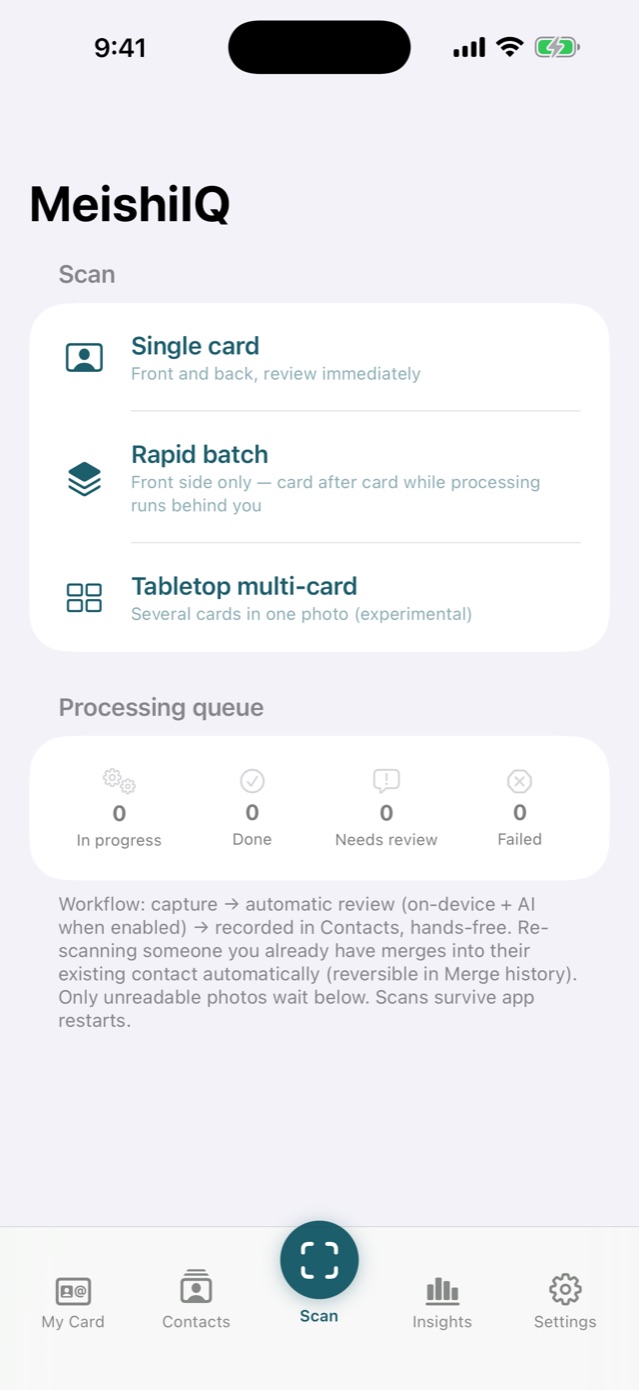
Scan in seconds
One card front and back, a rapid batch card after card, or a whole tabletop in one photo. The shutter fires itself when the card is framed, and duplicates are caught before they are filed.
AI review you can trust
Names cased properly, numbers labelled mobile or office, addresses merged, countries inferred. Every fix is backed by visible evidence from the card, and anything uncertain is flagged for one tap.
Yours alone
No account, no sign-up, no server of ours. Optional AI runs on your own API key; without one, the on-device pipeline does the work. Export everything, whenever you like.
See a card become a contact.
A quick look at what MeishiIQ does, from a handshake at a conference to a contact database that works for you.
The opening scene is dramatised. Every app screen in the film is real.
A contact database that works for you.
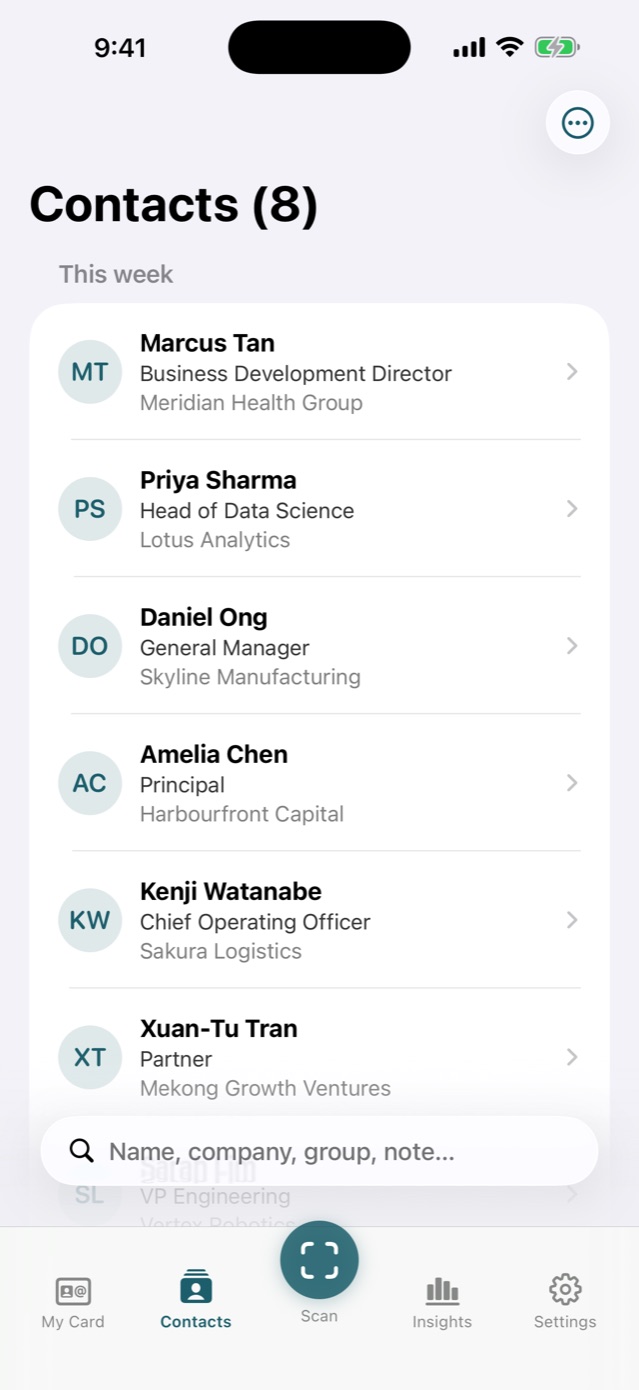
Groups, tags and instant search across every field, note and transcript. Voice notes are transcribed on your device so what you said about someone is searchable too.
Accepted contacts can land in your iPhone address book automatically, and re-scanning someone merges into their existing card instead of filing them twice.
Evidence, not guesses.
The AI review never invents. Each correction points at the pixels on the card that justify it, and anything genuinely uncertain waits for your one-tap decision.
The goal: you intervene for one card in a hundred, not ninety-nine.
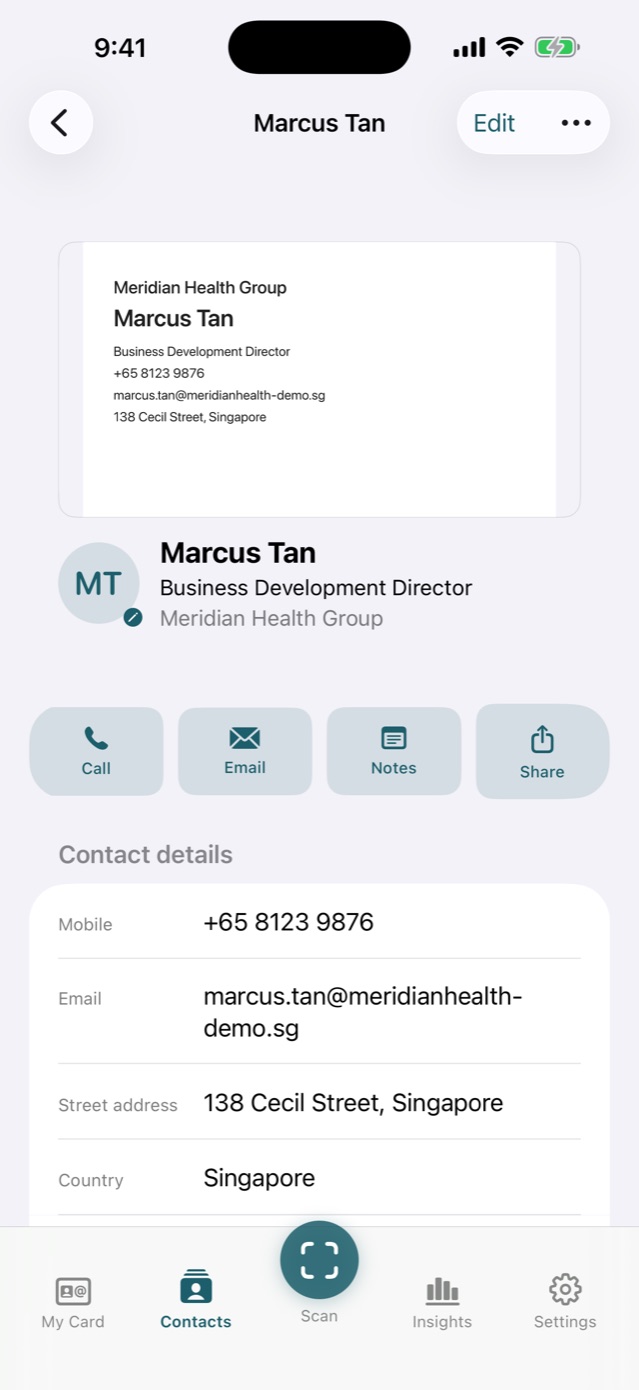
Insights that keep your network warm.
Follow-up reminders, a relationship pulse that spots contacts going quiet, and Ask MeishiIQ, a chat grounded in your own contact database.
The people you meet stop being a pile of cards and start being a network.
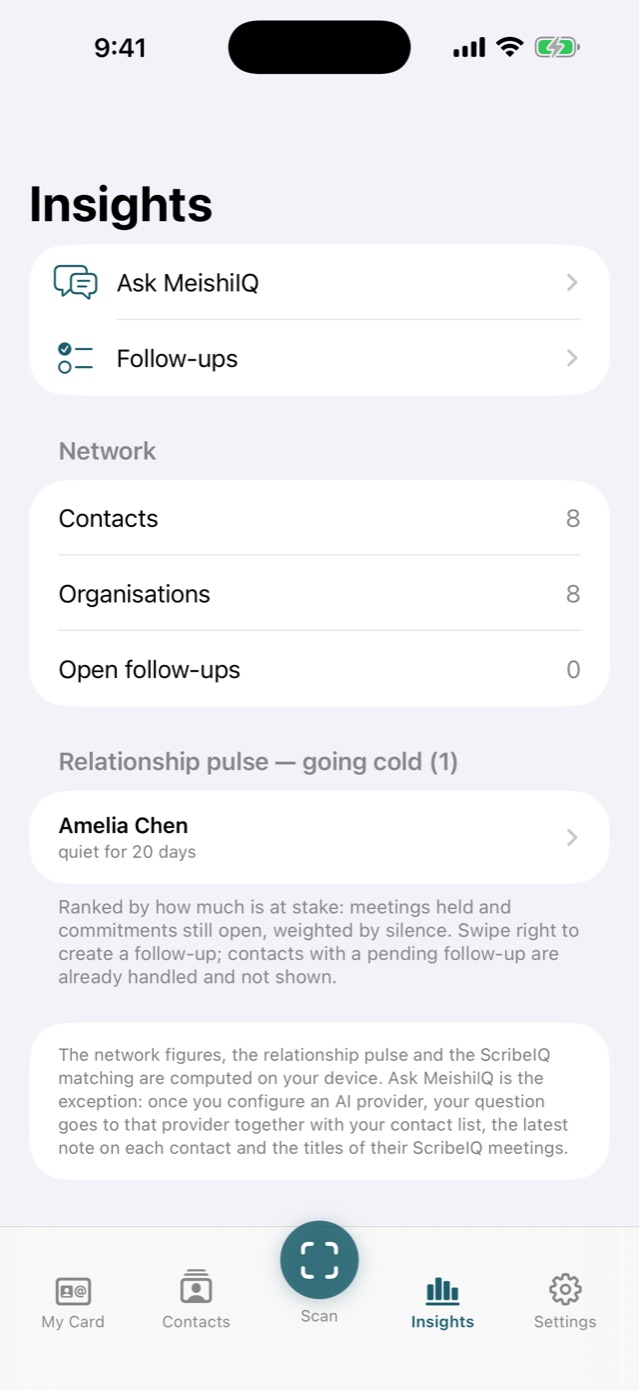
Give as good as you get.
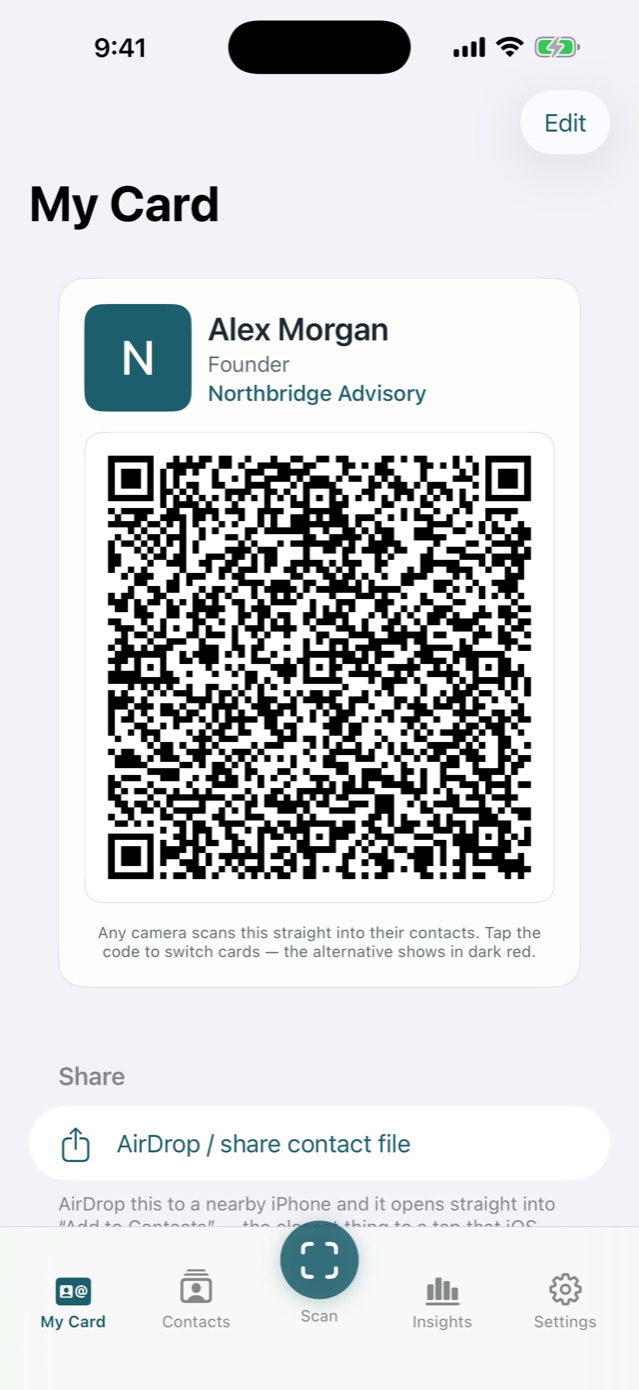
My Card holds your own details, shared in seconds as a QR code any camera understands, by AirDrop, or as a vCard file.
Keep a second, limited card for the times you would rather not share every number.
Made for people who meet a lot of people.
Three dramatised scenarios. The people are fictional; the app they describe is real.
“Forty cards from one conference. Every single one was in my phone before I got home.”
“It reads the card, checks its own work, and shows me the evidence. I've stopped typing contacts in.”
“When someone in my network goes quiet, it nudges me. One follow-up brought a client back.”
Try it with the next card you're handed.
Download MeishiIQ, scan, and watch the contact write itself.

For iPhone.
How your data is handled.
Plainly, and in full. The Privacy Policy has the detail.
- Your cards and contacts
- Live on your iPhone. They sync through your own private iCloud only if you turn sync on, and we cannot read them.
- What the AI service receives
- Only if you enable AI, choose the provider and supply your own API key: text from your scanned cards and notes. Without a key, the on-device pipeline does the work.
- What we receive
- Nothing. MeishiIQ has no accounts, no analytics, no tracking and no server of its own.
- Leaving
- Export everything anytime as Excel, CSV or vCard, phone numbers intact. Deleting all data requires the passcode only you set.
Support
Start with the guide to MeishiIQ, which walks through every part of the app.
For questions, problems or anything else, email angweeseng@hotmail.com. Replies come from the developer.
Moving from RapportIQ
Export your archive in RapportIQ (Settings, Export archive), then import it in MeishiIQ (Settings, Import archive).
Importing only ever adds, and importing the same archive twice never duplicates anything. Your My Card comes across too.